Build a look quickly, then tune borders, canvas shape, gradients, shadows and colour.
iOS product · Version 3.1
Max Photo Frames
Create polished framed memories on iPhone or iPad. Add captions, depth and personality, then save the finished photo or share the look with someone else.
Create, keep and share
Your style, on the screen that suits you.
Use the same creative tools on iPhone or iPad. Save a reusable preset, share it with another Max Photo Frames user or optionally sync presets and captions through your private iCloud.
- Price
- Free
- Devices
- iPhone and iPad
- Your photos
- Stay on your device
- Version 3.1
- Sync presets and captions
Core Features
Blur, cut out or keep the original background while maintaining preview and export parity.
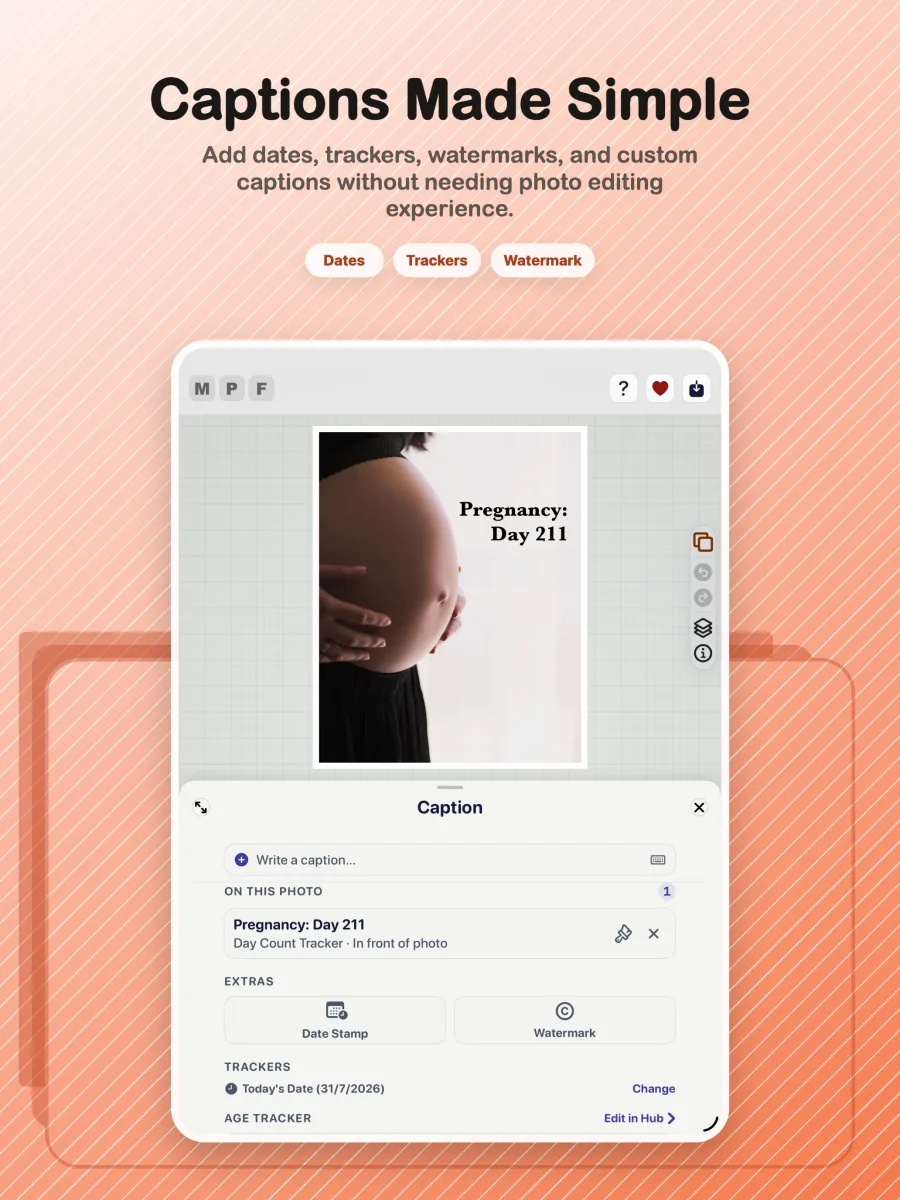
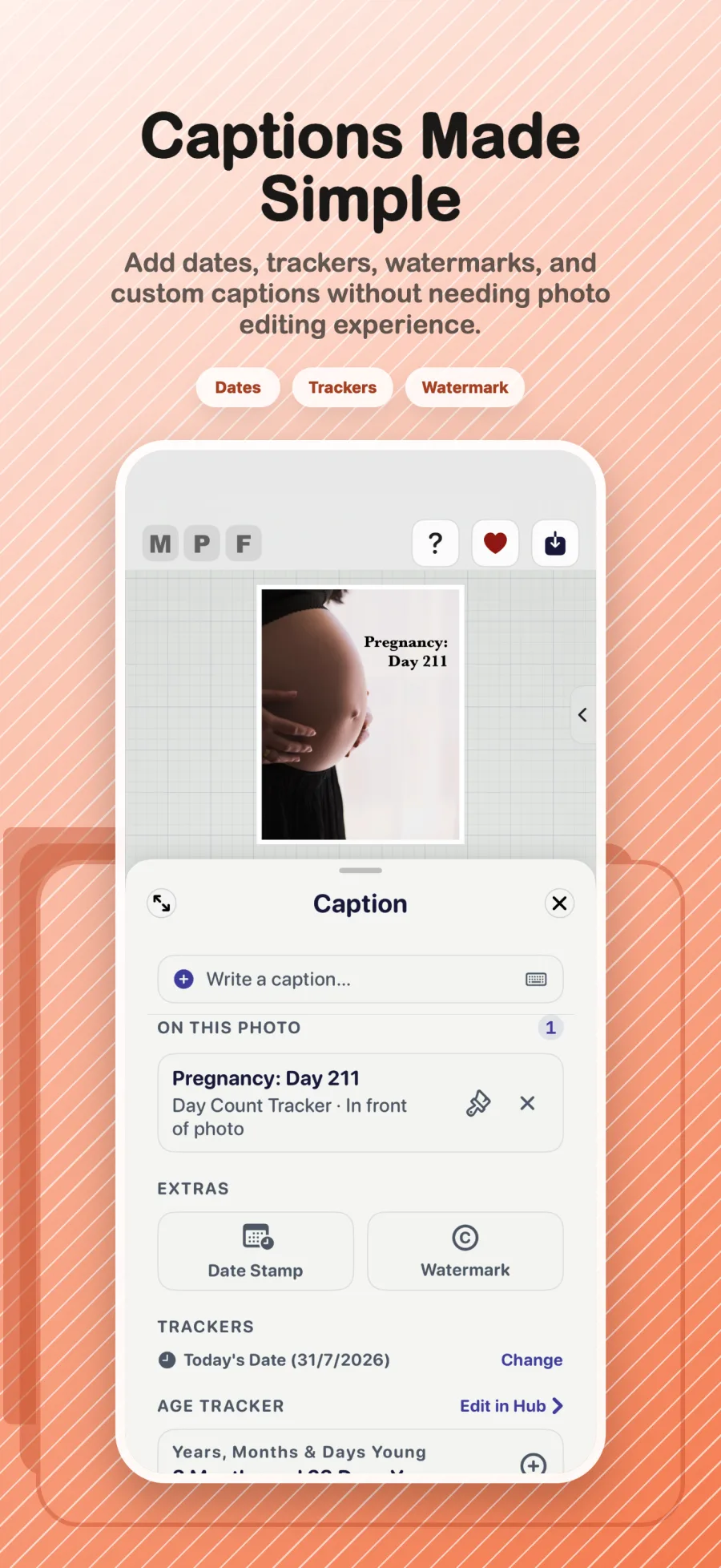
Add captions, dates, watermarks and calculated memory trackers with precise placement.
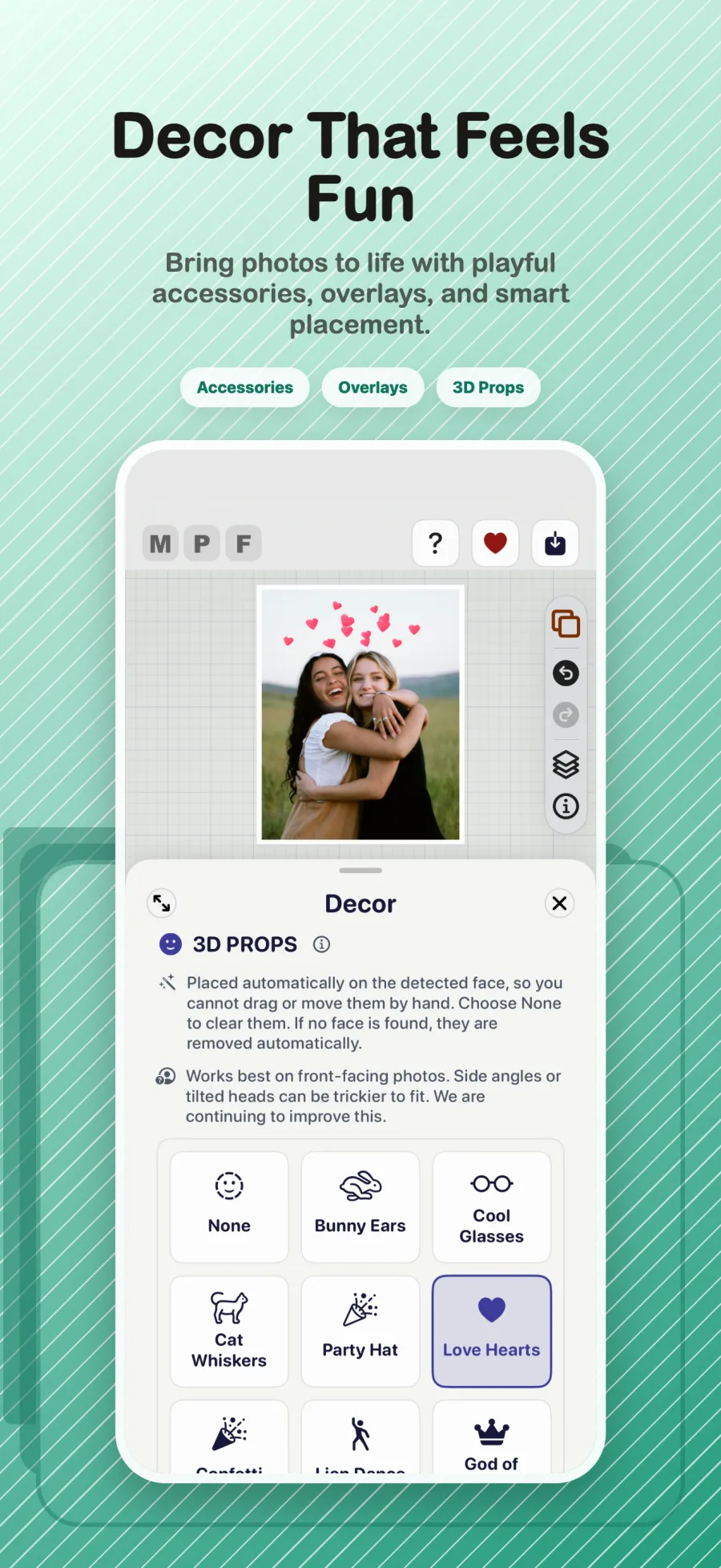
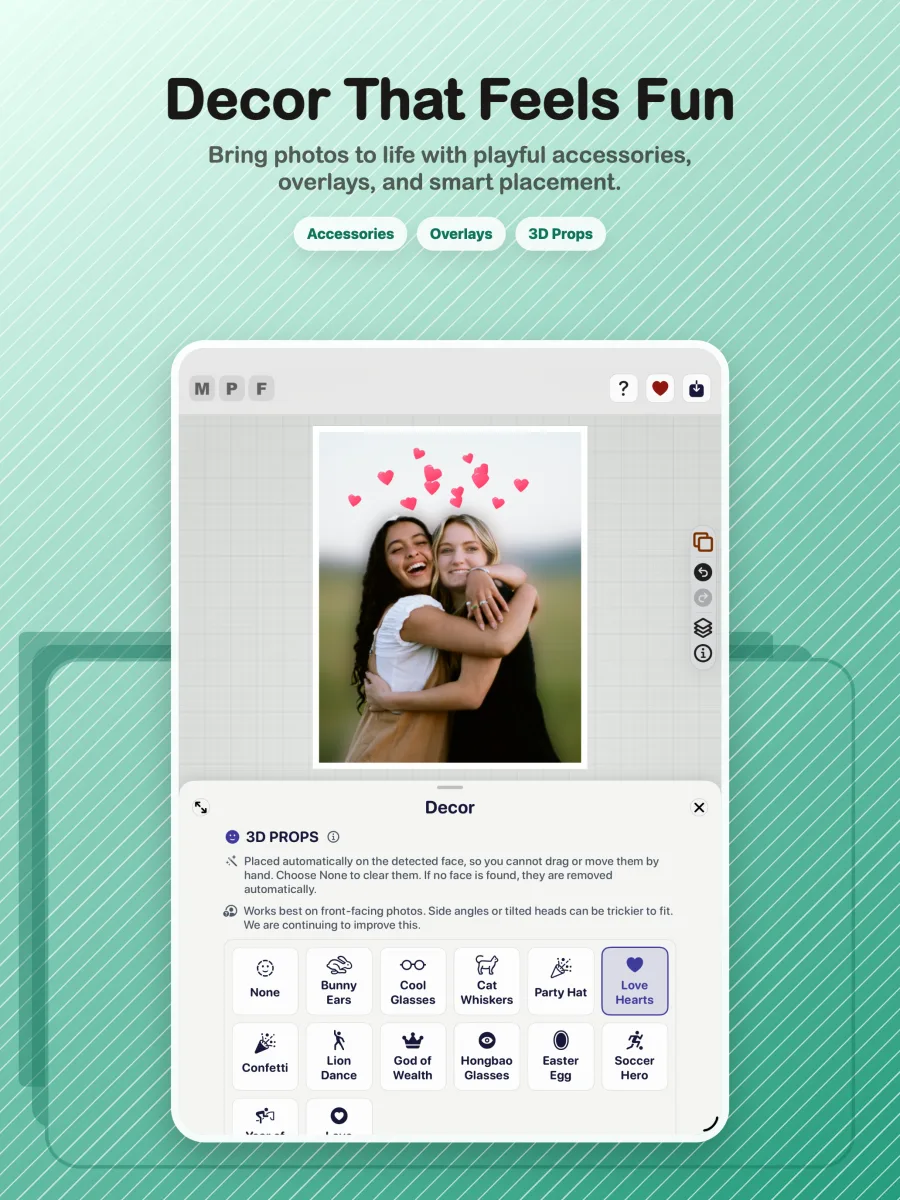
Add face-aware decorative props and save dependable high-quality stills.
Version 3.1
What’s new
Your creative library is easier to carry between devices, safer to recover and more reliable to edit.
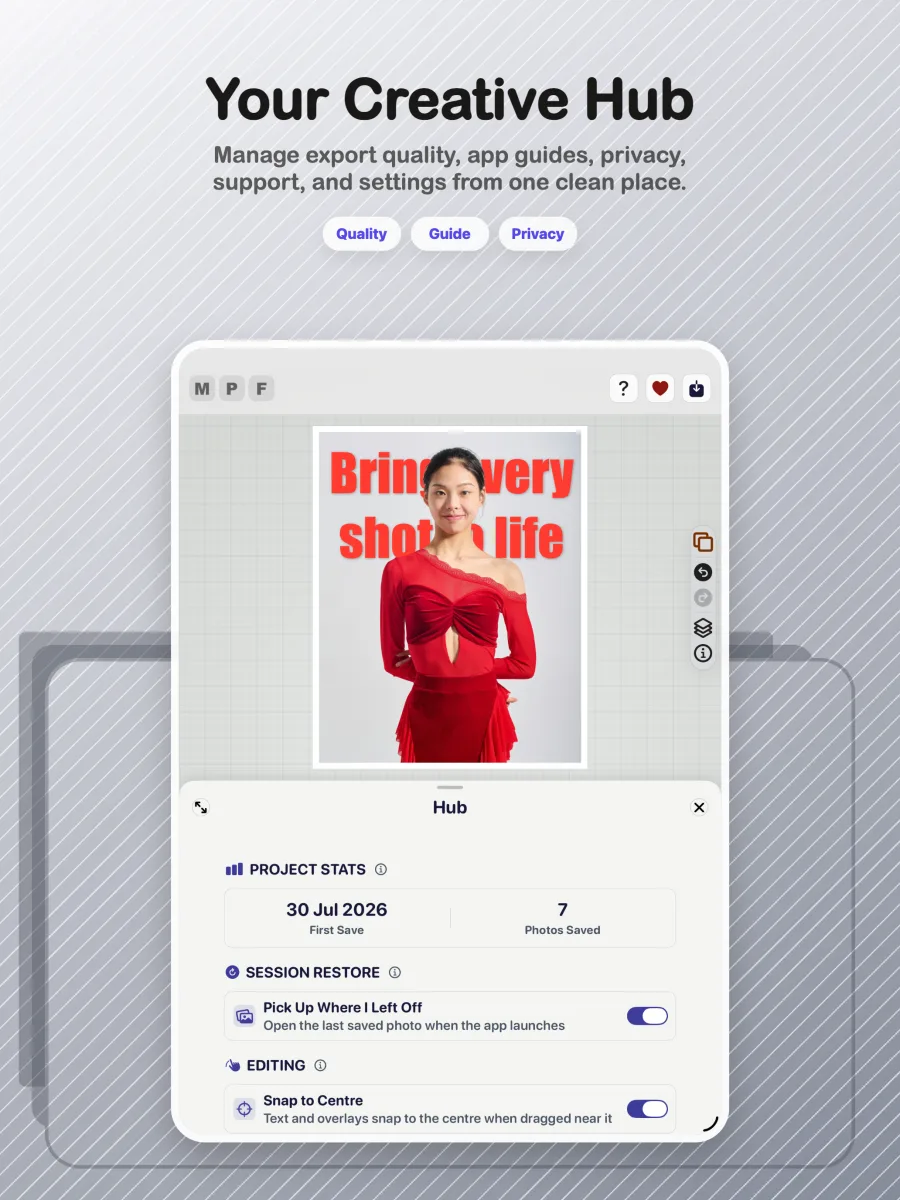
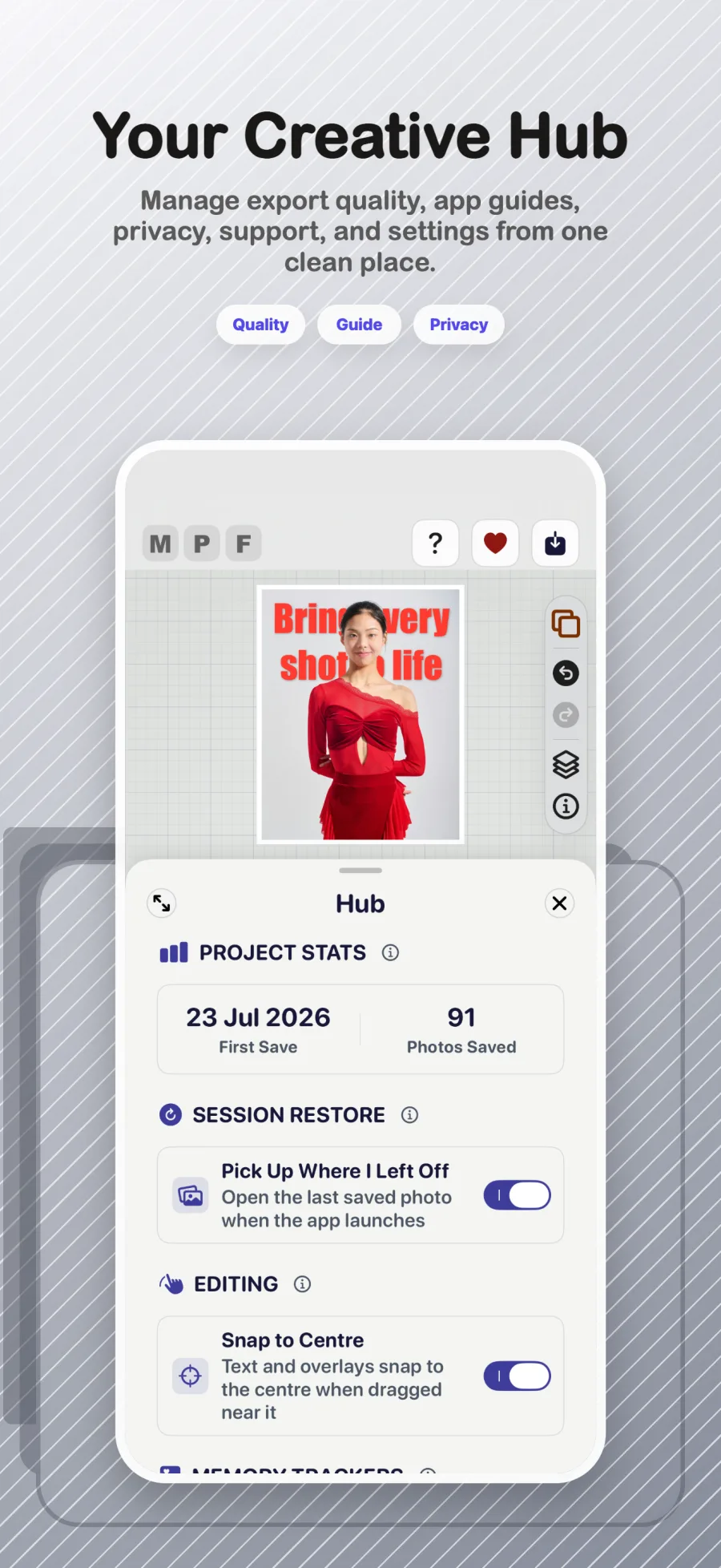
Turn it on in Hub to keep My Presets and My Captions ready on your iPhone and iPad. Your photos and personal details stay on your device.
Save presets, captions and settings to one file you control, then restore what you need on a new or reinstalled device.
Captions keep their colour and size, text casing has three choices, and Memory Trackers can set The Big Day directly in Hub.
3D Pop and background-effect exports now use JPEG where transparency is not needed, saving space without changing the picture you see.
Inside the product
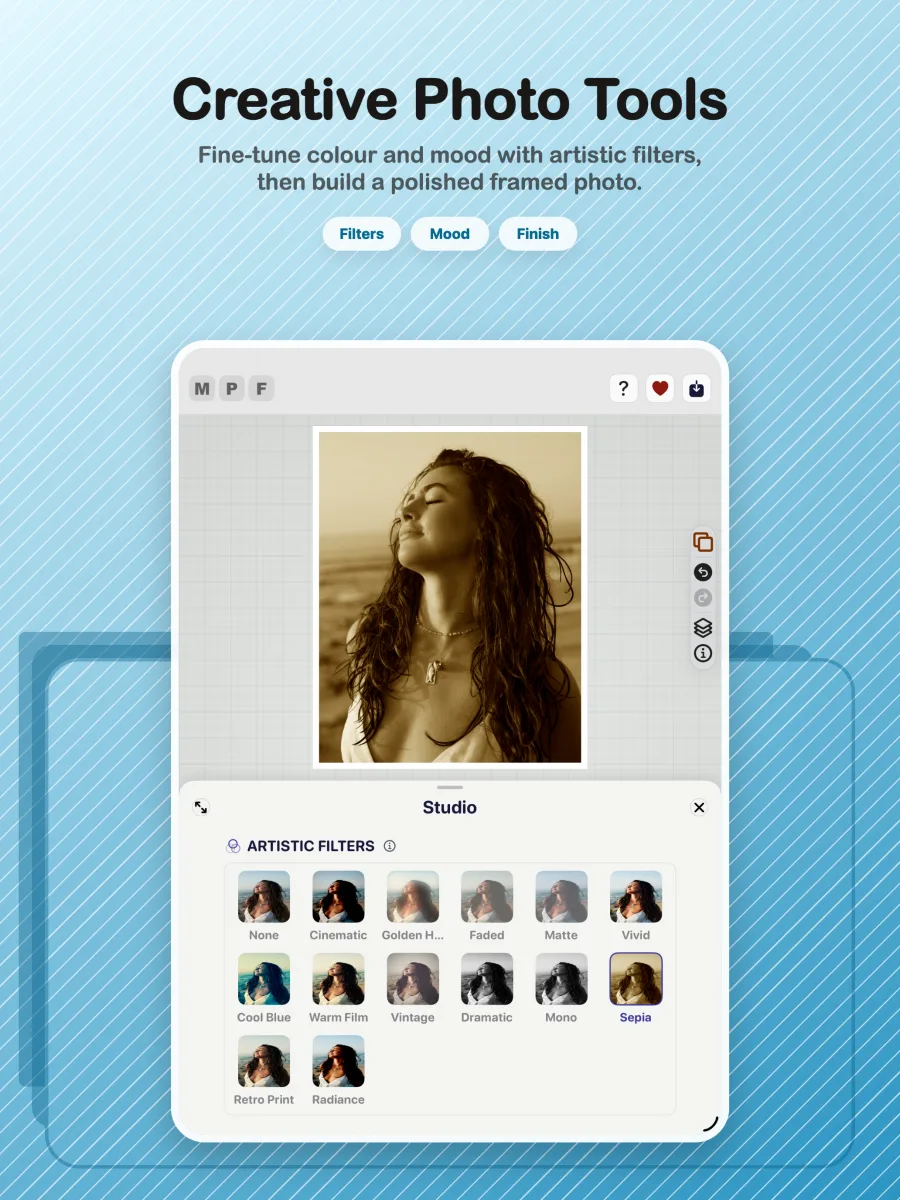
The V3 experience is organised around five focused areas, so the editing journey stays clear from import to export.
How the app works
Learn it step by step.
Follow the complete journey from choosing a photo to exporting a finished memory.
Full tutorial
Open the tutorialGo from first photo to finished frame.
See the workspace, creative tools, captions, decor, Hub and export flow with clear visual guidance.
01 · Start
Choose a style
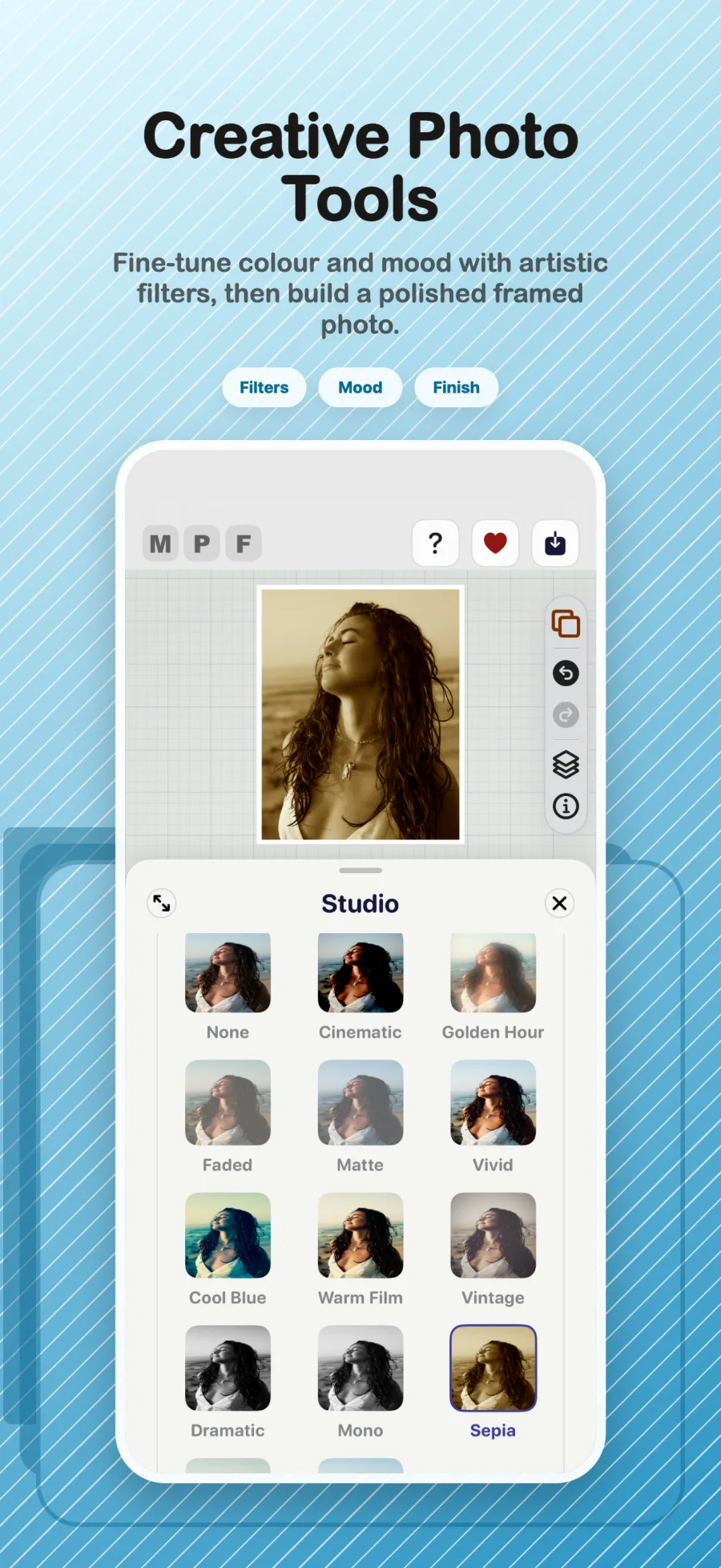
Import a photo, explore frames and use Studio tools to establish the look.
02 · Personalise
Add captions and dates
Use the unified text tools to add captions, trackers, watermarks and dates.
03 · Finish
Add depth and decor
Experiment with Layer Magic, 3D Pop, props and decorative finishing touches.
04 · Share
Review and export
Check the result, choose export quality and save a dependable finished image.
Privacy
Your photos stay yours.
Max Photo Frames is listed on the App Store as Data Not Collected. Here is what that means in practice.
Everything happens on your device
Editing, subject separation and export all run locally. Your photos are never uploaded to us.
No account, no tracking
There is nothing to sign up for, and no third-party analytics watching what you make.
iCloud Sync is yours to switch on
If you turn it on, your presets and captions are copied to your own private iCloud so they appear on your other devices. Never your photos, never our servers, and one tap deletes the copy.
Multi-device
Your presets, ready everywhere.
Turn on iCloud Sync to keep My Presets and My Captions ready on your iPhone and iPad. Or use one backup file that you control.
iCloud Sync
Turn it on and your presets and captions appear on every device signed in to your Apple Account. Edit on iPhone, then pick up on iPad.
One-file backup
Save all your presets, captions and settings to a single file. Move to a new phone without losing a thing. Choose what to restore.
Photos stay private
Only your design choices travel: frame style, colours, effects and caption placements. Never the photo itself.
Go deeper
Learn more about the app.
Tutorial
Step-by-step walkthroughs of the frames, captions, depth effects and export.
Technology
How a photo becomes a framed image, how the subject is cut out on your device, and how it is tested.
Privacy guide
How to read an App Store privacy label, in plain language, for any photo app you consider.
Support & feedback
Need help or have an idea?
Find support resources, report a bug or share a feature request on the support page.
Image credits · Unsplash contributors: Joshua Koblin, freestocks, Lena Krieg and Xu Duo.